Guest Editor
The guest editor provides a local, account-free threat-modeling workflow at
/guest. You can define context, draw a DFD, record
threats and countermeasures, and save the model as CycloneDX 2.0 JSON.
Save your work
Guest models are not stored in Precogly's database. Use Save or Save As before closing the tab or navigating away.
Start a guest model
Open /guest on your Precogly installation. Click the model title to rename it, then use
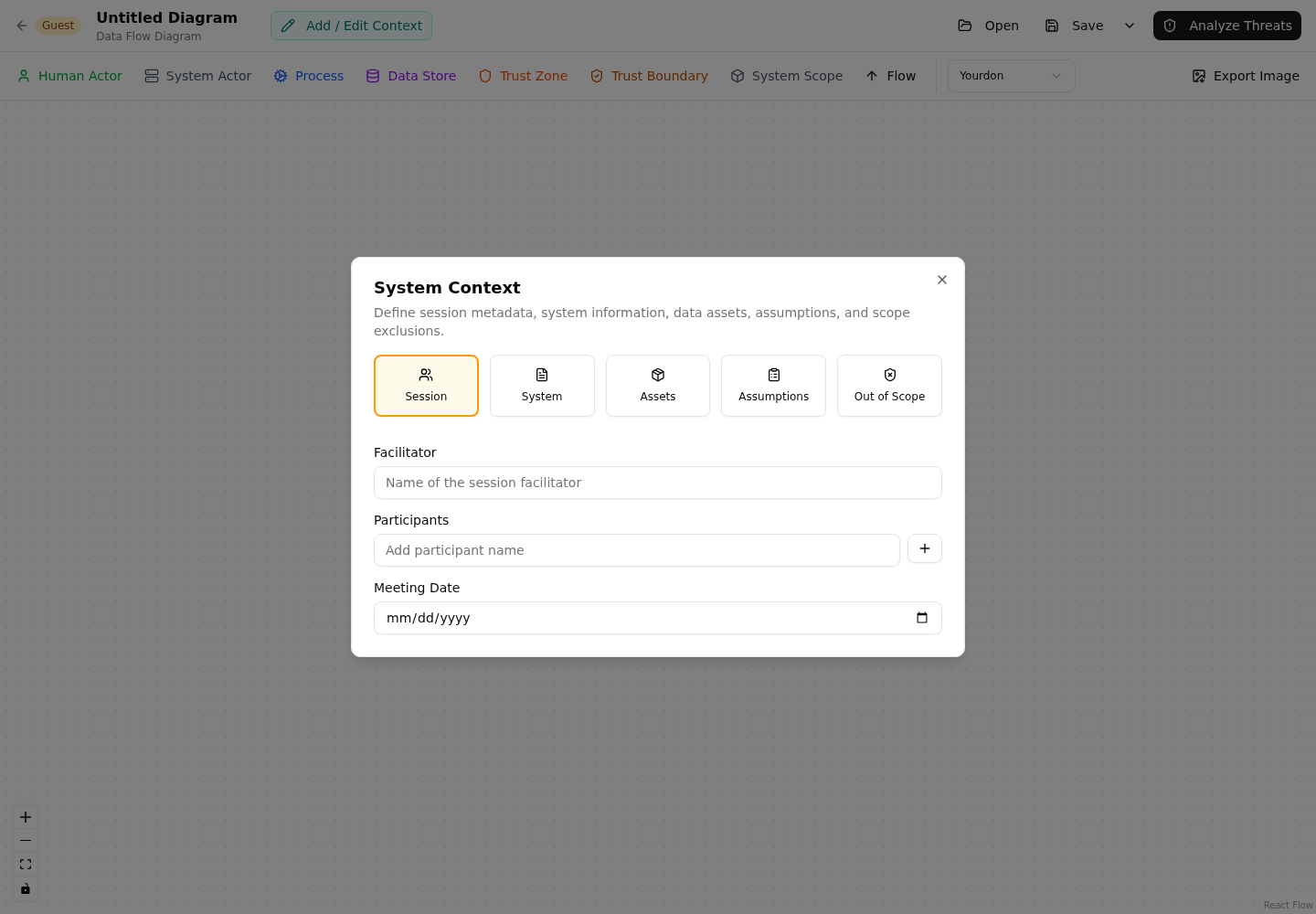
Add / Edit Context to record:
- Session facilitator, participants, and meeting date
- System description and business criticality
- Data assets, classifications, and CIA ratings
- Assumptions and their validity
- Explicit out-of-scope items
This context is included in the saved CycloneDX file and the guest Word report.
Draw the data flow diagram
Use the toolbar to add processes, data stores, human and system actors, trust zones, and system-scope containers. Connect nodes with data flows and edit each item in the side panel.
The notation selector switches between DFD3 and Yourdon shapes. The model's notation is retained when you save and reopen the CycloneDX file.
See DFD Editor for the shared canvas concepts and keyboard shortcuts. Features that depend on an organization, library packs, or backend records are available only in the signed-in workspace.
Add threats and countermeasures
Click Analyze Threats to open the three-column guest analysis view:
- Select a component, system scope, or data flow.
- Add a threat with a name, description, severity, optional STRIDE category, and status.
- Record a decision rationale when accepting, delegating, or eliminating a threat.
- For threats marked Mitigate, add one or more countermeasures and select their control types.
You can sort threats by status, severity, or name and return to the diagram at any time. Deleting a threat also removes its guest countermeasures.
Save and reopen files
Guest files use the .cdx.json extension and contain a CycloneDX 2.0 Threat Modeling
BOM.
- Save writes to the currently opened file when the browser supports the File System Access API. The first save prompts for a location.
- Save As always prompts for a new filename.
- Open loads a previously saved guest CycloneDX file.
- Cmd/Ctrl+S performs the same action as Save.
Browsers without the File System Access API download a new .cdx.json file on save and
use a file picker when opening a model. Keep the most recent download as the current copy.
Export and report
The diagram toolbar can export the canvas as PNG or SVG. From Analyze Threats, click Report to download a Word document containing the system context, DFD image, threats, and countermeasures.
The guest report and file are point-in-time exports. Update and save them again after changing the model.
Guest and signed-in workflows
Guest mode is useful for workshops, evaluations, and local modeling without account setup. Use the signed-in workspace when you need organization libraries, collaboration, ownership, compliance mappings, risk tracking, or server-side persistence.
For interchange details, see Importing and Exporting.